TC Helicon Logo
ProductsAboutSupportStores
Logo

Professional sound for everyone. Part of Music Tribe.

facebookinstagramyoutubetwitterdiscord

Support

  • Product Registration
  • Pre-Sales & Technical Support
  • Service Centers
  • Store Locator

Brands

  • Aston Microphones
  • Behringer
  • Bugera
  • Coolaudio
  • Klark teknik
  • Lab Gruppen
  • Midas
  • Tannoy
  • TC Electronic
  • TC Helicon
  • Turbosound

About

  • Join Us
  • Our Story

Trust, Ethics & Transparency

  • Data & Responsibility
  • Responsible Technology
  • Fair Use & Rights
  • Stewardship
© 2026 TC Helicon. All rights reserved.
PrivacyTermsAccessibility
Back to Products

SWITCH-6

Sturdy 6-Switch Accessory Pedal for Expanded Effects Control

SWITCH-6
1 / 1
SWITCH-6
View in fullscreen

SWITCH-6

Sturdy 6-Switch Accessory Pedal for Expanded Effects Control
About this product

Sturdy 6-Switch Accessory Pedal for Expanded Effects Control
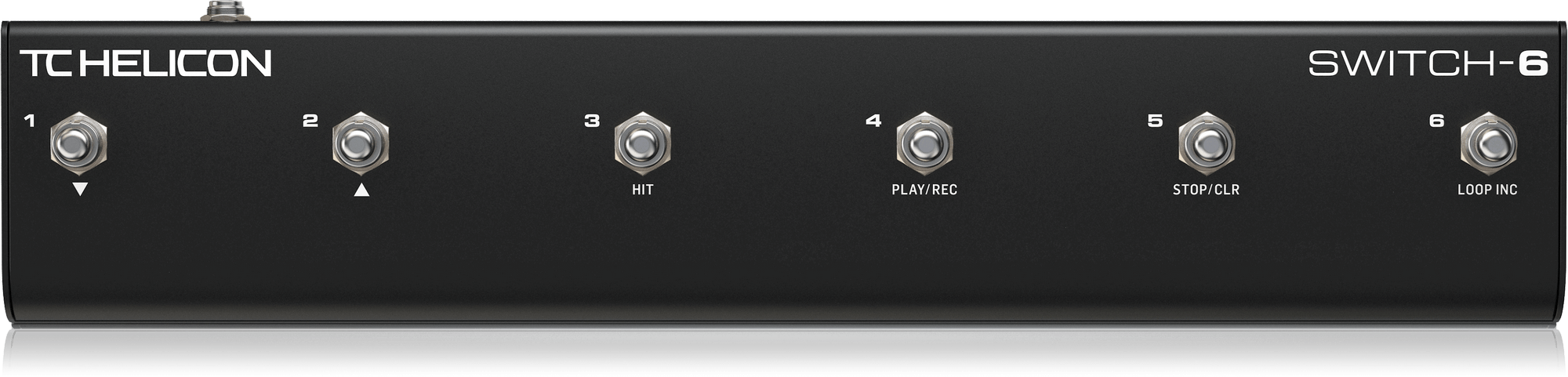
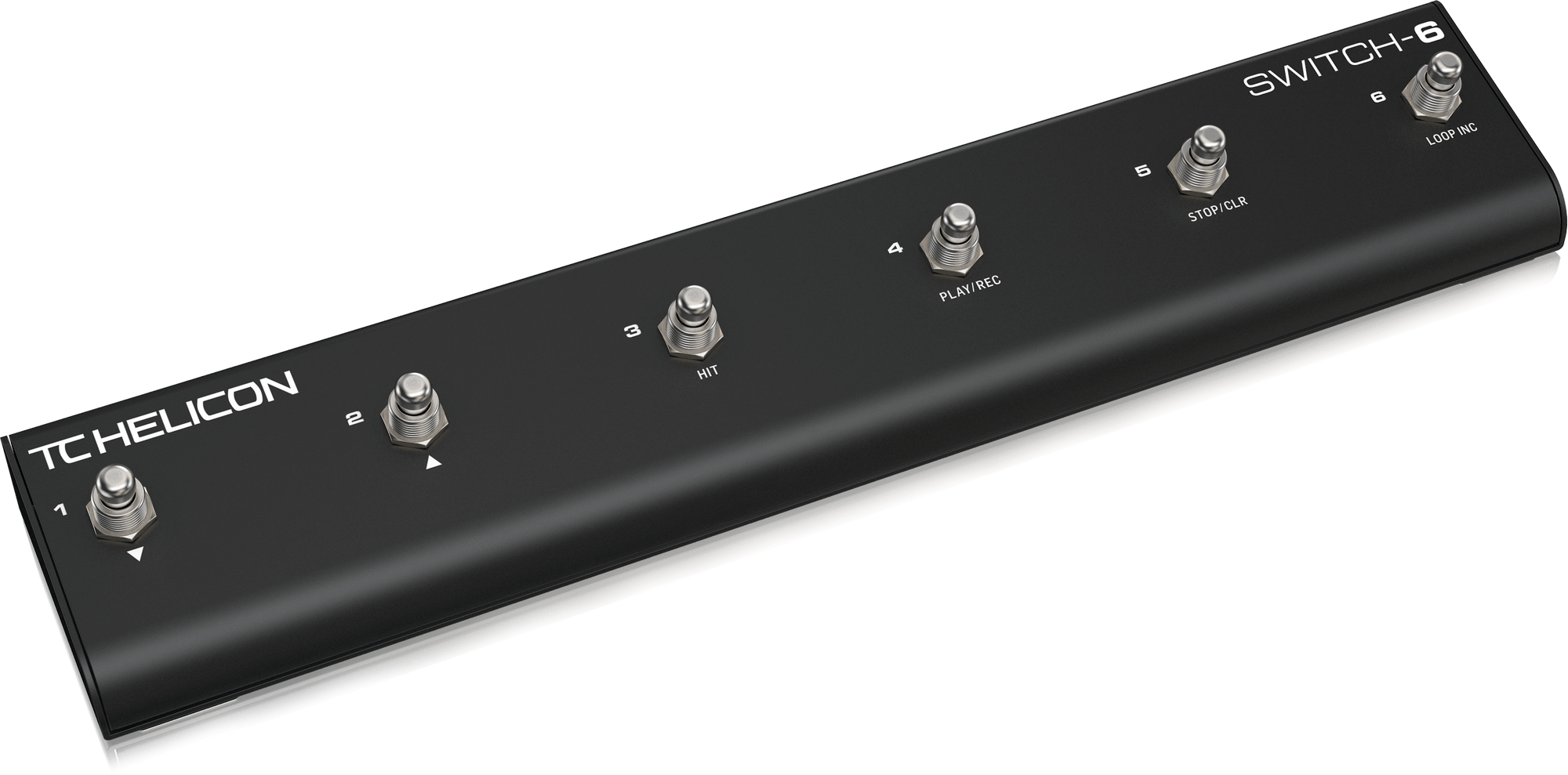
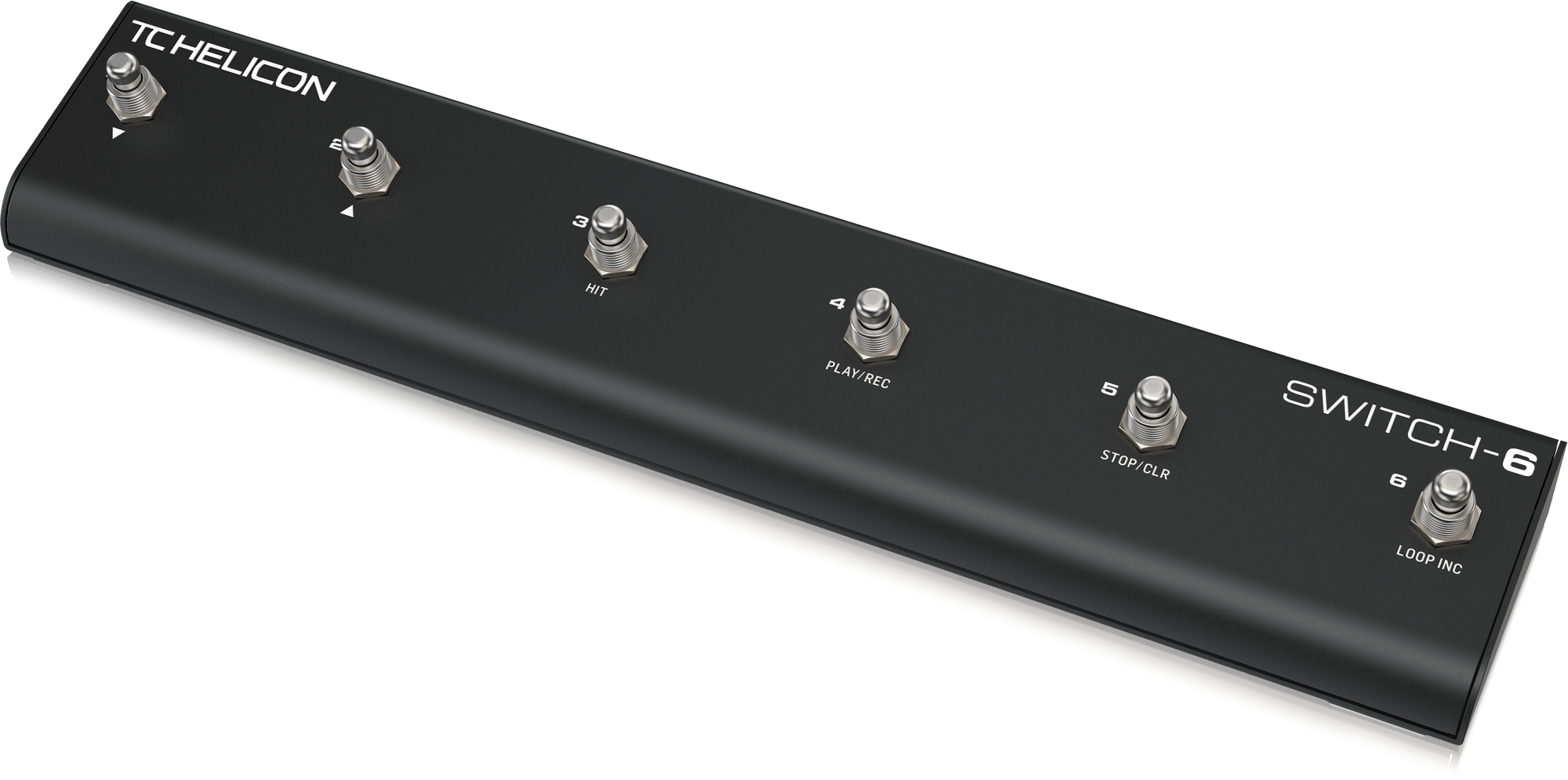
SWITCH-6 extends the control of compatible TC Helicon vocal/guitar processors to fit your unique performance style and needs. The six footswitches can be customized for a multitude of functions, which will let you loop, toggle individual effects, change presets, engage HIT, or even use as a guitar pedalboard... and more.

Craig shows how to set up your VOICELIVE 3 and VOICELIVE TOUCH 2 with the SWITCH-6 pedal for even more switch-based control of your vocals, guitar FX, and looping.

SWITCH-6 requires the latest firmware to be installed on VOICELIVE 3, VOICELIVE TOUCH 2, or PLAY ELECTRIC. If you don’t have it, you can download it for free via VoiceSupport – our free app for PC/Mac. Just follow the steps below:•   Download and install VoiceSupport•   Connect your TC Helicon unit to your computer using the supplied USB cable•   Launch VoiceSupport•   After the updates have downloaded, click on the Firmware tab•   Click on the topmost firmware version. It will likely say “New” next to it•   Allow the update process to complete. DO NOT UNPLUG OR REBOOT YOUR UNIT.•   The device will come back to normal operating status on its own If you have trouble connecting to    VoiceSupport, try the steps in this HELP FAQ.

Create your own favorite control scheme, or use the preprogrammed setups on your unit. No matter what setup you choose, SWITCH-6 offers a handy shortcut for getting the sounds you want, when you want them. The durable design means that it won